


Password Maintenance
Overview:
Use this dialogue to change your password. To access the dialogue click on the [Change Password] link on the top right of the screen.
The Password sent to Users when they are initially given access is a temporary one, which should be changed when the User first logs in.
Use this Change Password option to do this.
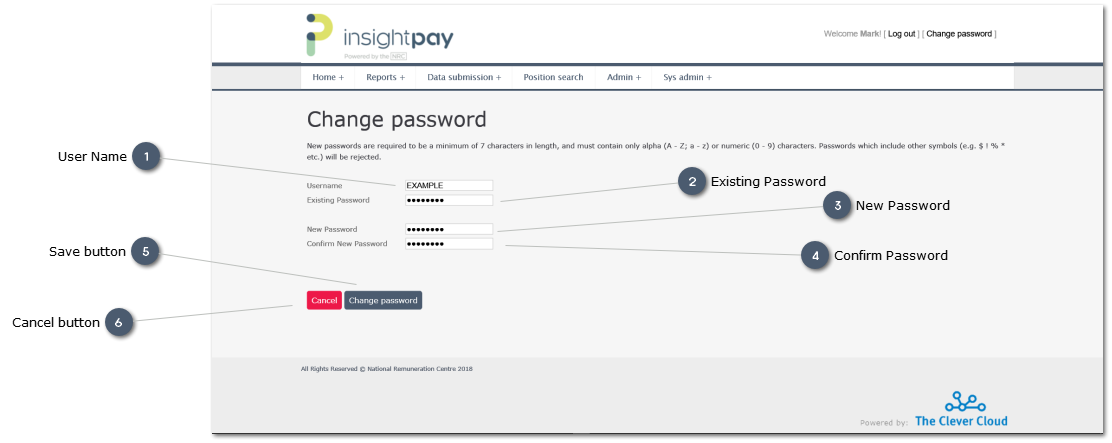
 User NameUser Name is displayed automatically.
To edit this use the My Details screen
|


