
Upload position data
Overview:
Once you have updated your data in the offline spreadsheet, and saved it to your local drive:
-
Log back into the insightpay RemData service
-
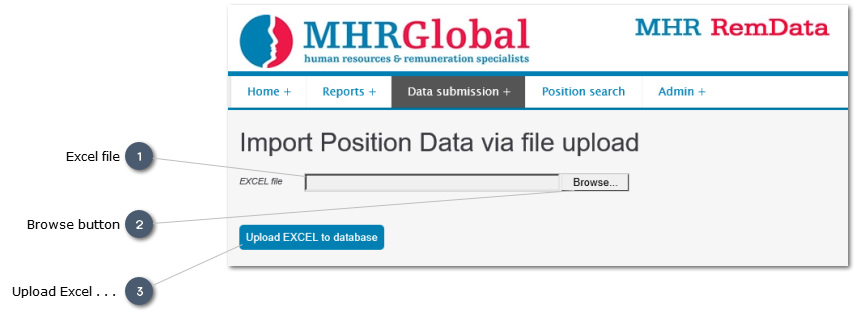
Select the “Upload position data” option from the "Data submission" menu item
-
Follow the prompts, as set out below:
Note: Data must be copied to the insightpay spreadsheet for uploading. Data will not upload successfuly if it is contained in any spreadsheet other than the one originally downloaded from the insightpay site.
If your data does not load successfully, check that you are using the correct spreadsheet. If not, copy your data from your working spreadsheet and paste it into the insightpay provided one for uploading.
Instructions for this are given here: Create Working Model